Tempo Time
A new instrument for your CHOMPI
Thanks for your patience everybody.
CHOMPI’s new firmware is ready!
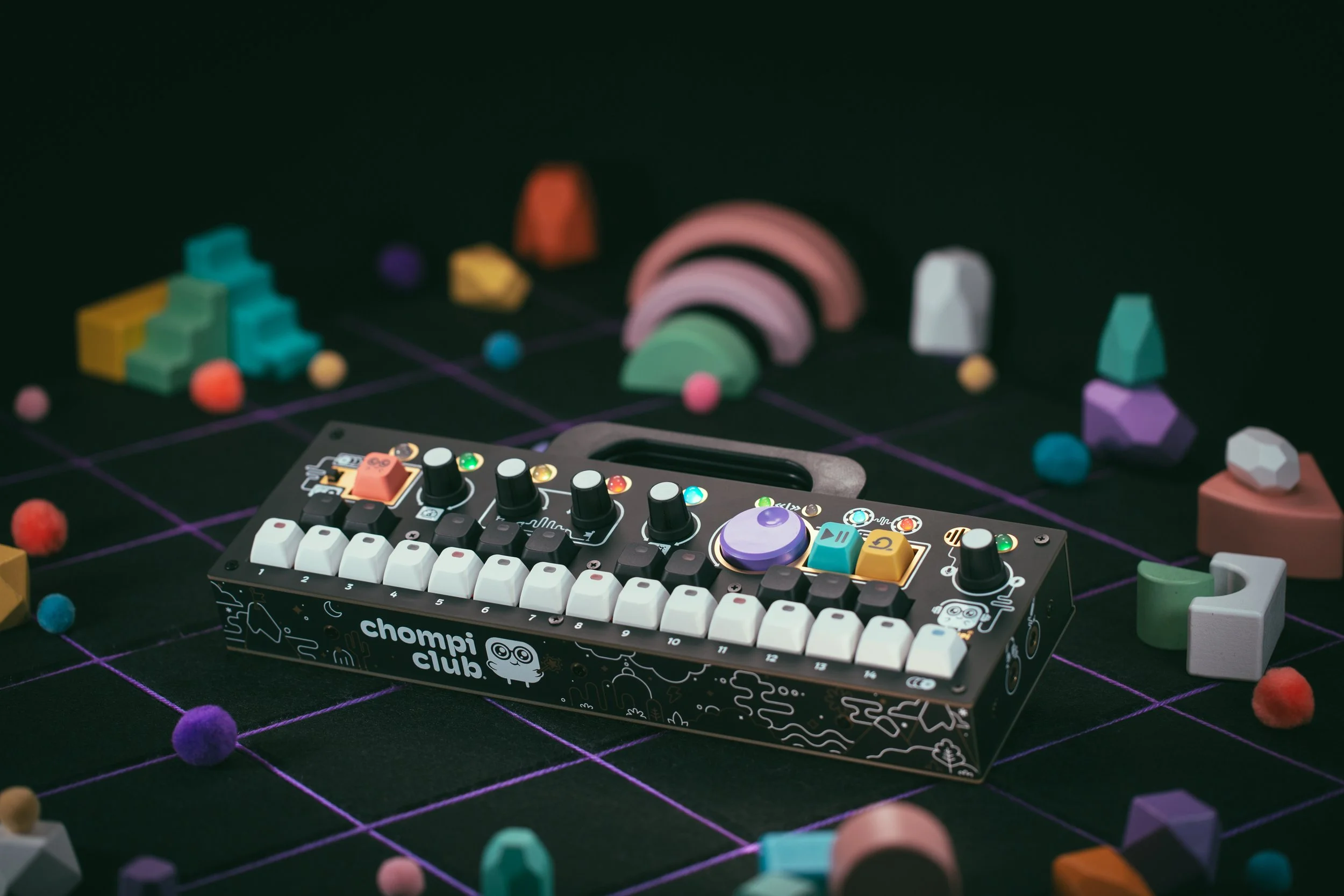
The TEMPO firmware will change your CHOMPI into an entirely new instrument. It’s an alternate imagining of what CHOMPI would be like as a groovebox – a syncable pattern-maker that is hands-on and as intuitive as possible, even if you have absolutely no experience with that kind of thing.
And, importantly, it’s free.
In this blog you’ll find all the info you need to get TEMPO running on your CHOMPI right now, but here are the quick links if you’d rather just get in there.
And here’s a little intro to what it’s all about:
What it is
TEMPO is a new instrument built from the ground up. It’s basically the opposite of CHOMPI’s original TAPE firmware:
TAPE = Loose and freeform
TEMPO = Synced and rhythmic
Some parts of it will feel familiar and some will feel brand new, but it maintains the same approachable, no-training-required spirit of the original. It’s the CHOMPI approach to pattern-making.
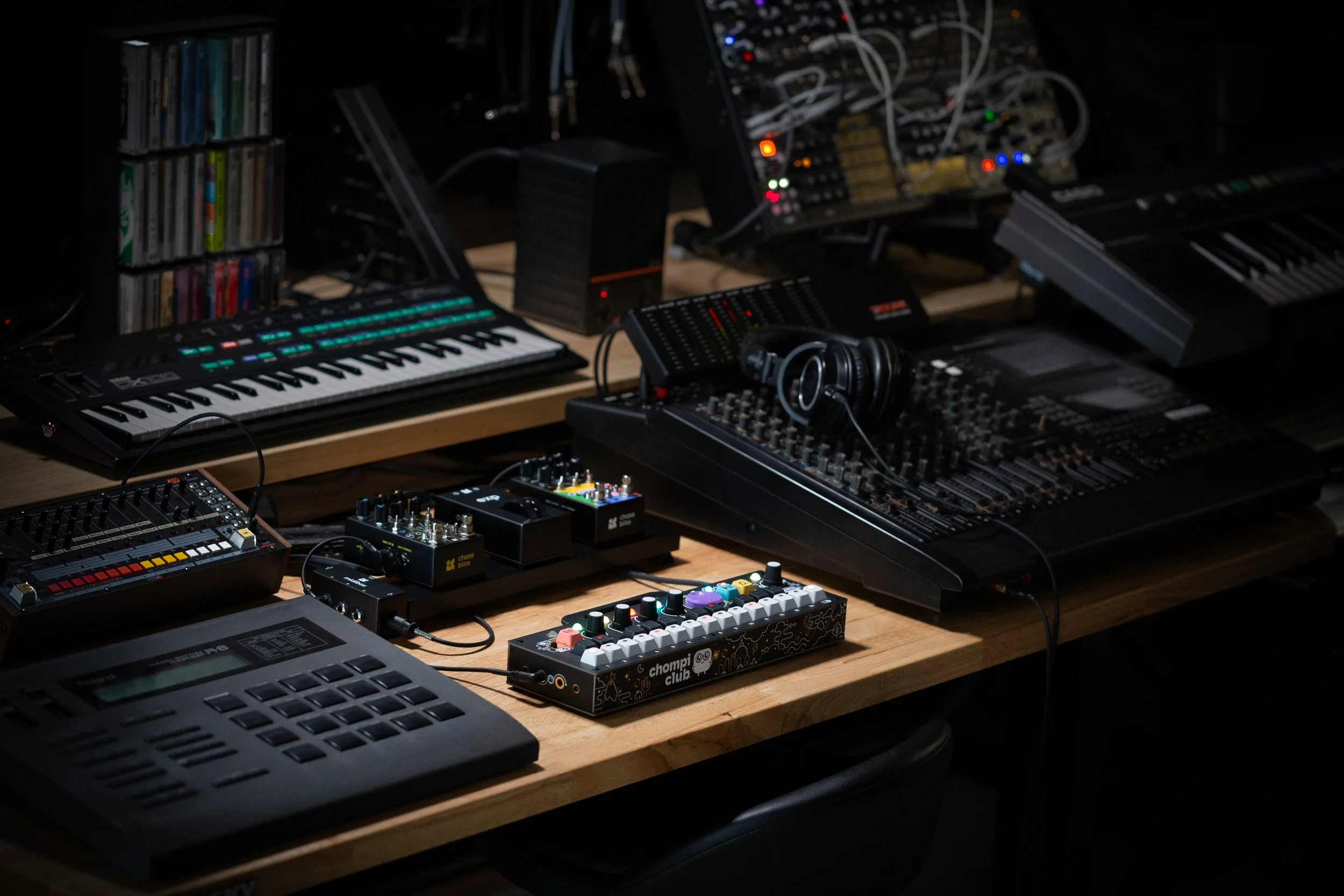
And importantly – it can now sync and send MIDI clock and will fit seamlessly into an existing musical setup.
The big change with TEMPO is that the looper has been replaced by an arpeggio that sequences the playback of samples. Where it really comes alive is the new SLICE mode that chops a single sample up into 16 even slices – it lets you turn any sound into a pattern instantly and swap out or record new samples while the sequencer is running. It’s a very fast and very CHOMPI way to build patterns.
There’s more to it of course – synced effects, two different modes that can both be sequenced at once – but you’ll discover all of that as you go.
How to get it
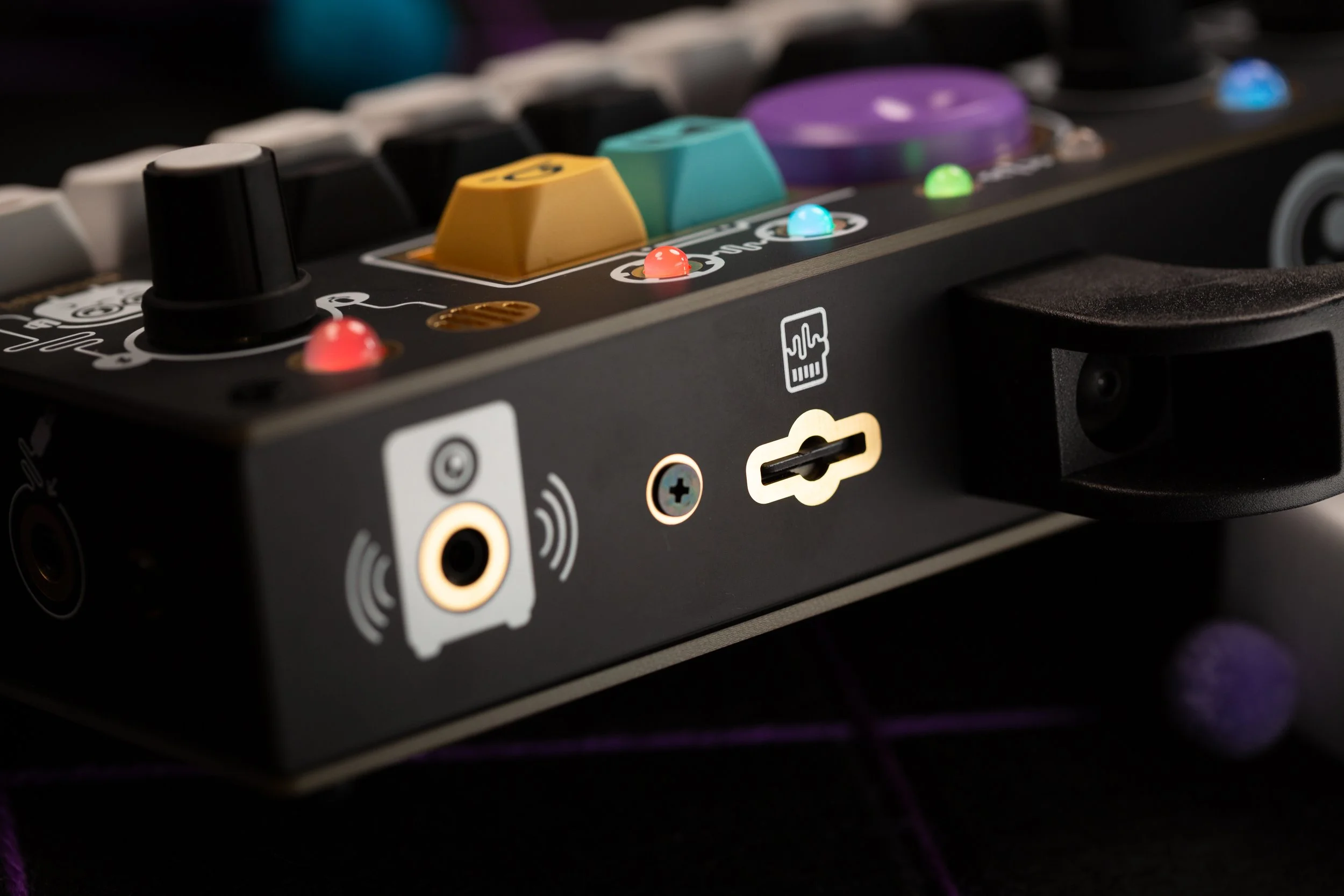
TEMPO is a distinct instrument and has to be loaded separately on its own SD card. CHOMPI can only run one firmware at a time.
The easiest and recommended way to do this is to just have a dedicated SD card for each firmware – one for TAPE and one for TEMPO – so you can set each one up the way you like and swap back and forth. We recommend using SanDisk brand microSD cards (no larger than 32GB). But I realize that may not be an option for everybody and it’s totally okay to reformat a single SD card when you want to change firmware.
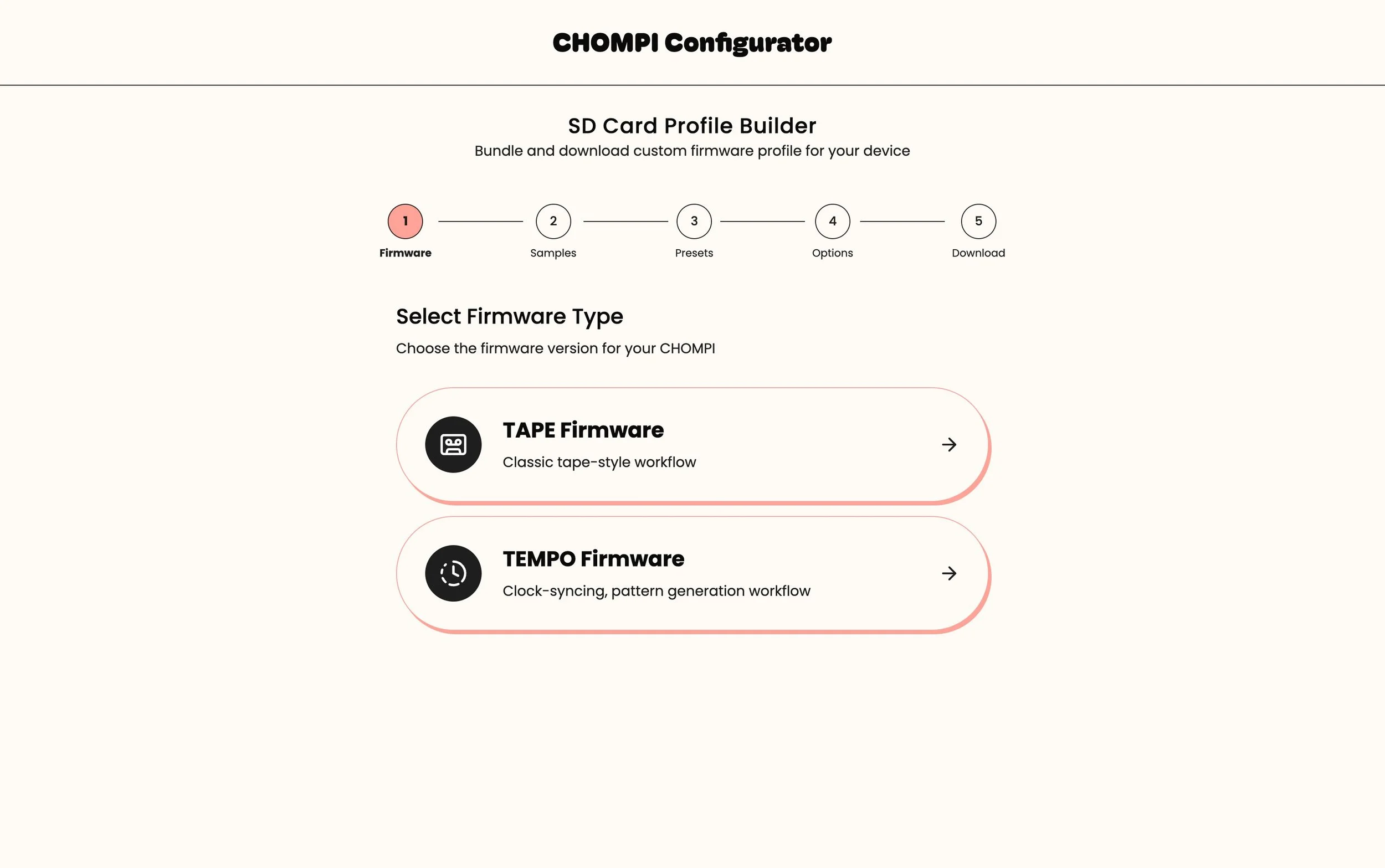
We’ve created a little tool to make it as easy as possible to get TEMPO loaded up on your SD card:
I think that’s just everything you need to know to get going.
TEMPO is very fun, and very different from the CHOMPI you know. It really is no less than a brand-new instrument, and it explores a very different side of musical expression.
In short:
CHOMPI is two instruments now.
If you have questions about any of this, ask!
Thanks for reading.